Module 06 · TCRK XERP

Purchasing

Lead times, current prices and approval discipline on the same screen. Production needs become requests, requests become approvals, approvals become supplier orders.

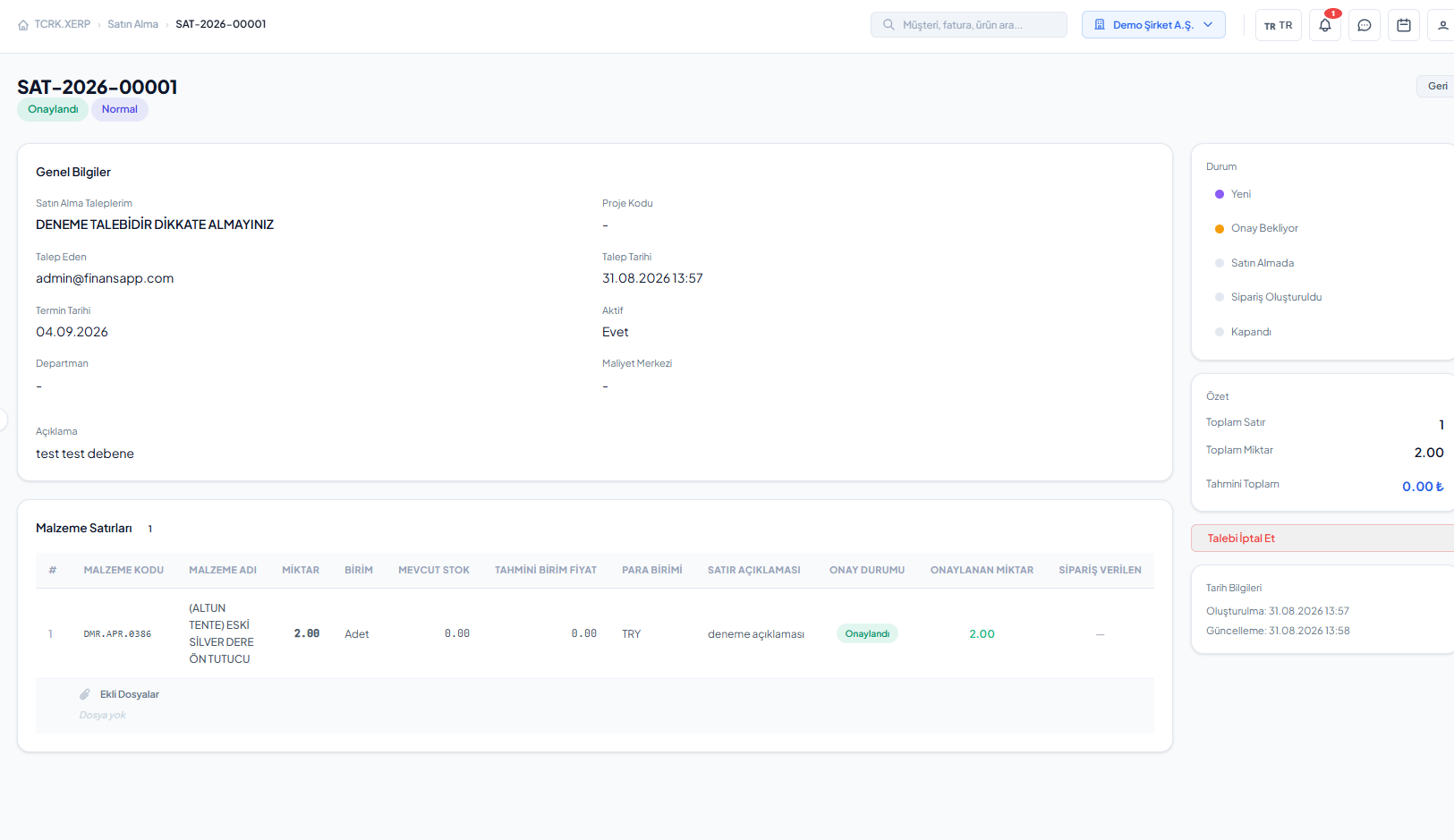
Purchase requests and line-level approval

The TCRK XERP Purchasing module collects purchase requests with priorities and attachments, runs them through a line-level approval or rejection flow, and turns approved lines into supplier orders at the purchasing desk.

Requests

Requests with priority, product search and file attachments.

Line-level approval

Partial approval, rejection or approve all.

Purchasing desk

Supplier orders from approved lines.

Supplier account

The same record from order to invoice.

Request and approval

Who asked for what, who approved it — all on record.

Each user creates their own purchase requests, prioritizes them and sends them for approval. Approvers approve or reject line by line, or approve everything at once.

  • Line-level priority and product search
  • File attachments and submission for approval
  • Line-level approve/reject, approve all
  • Request cancellation and status tracking
Ordering

Approved needs, one click to a supplier order.

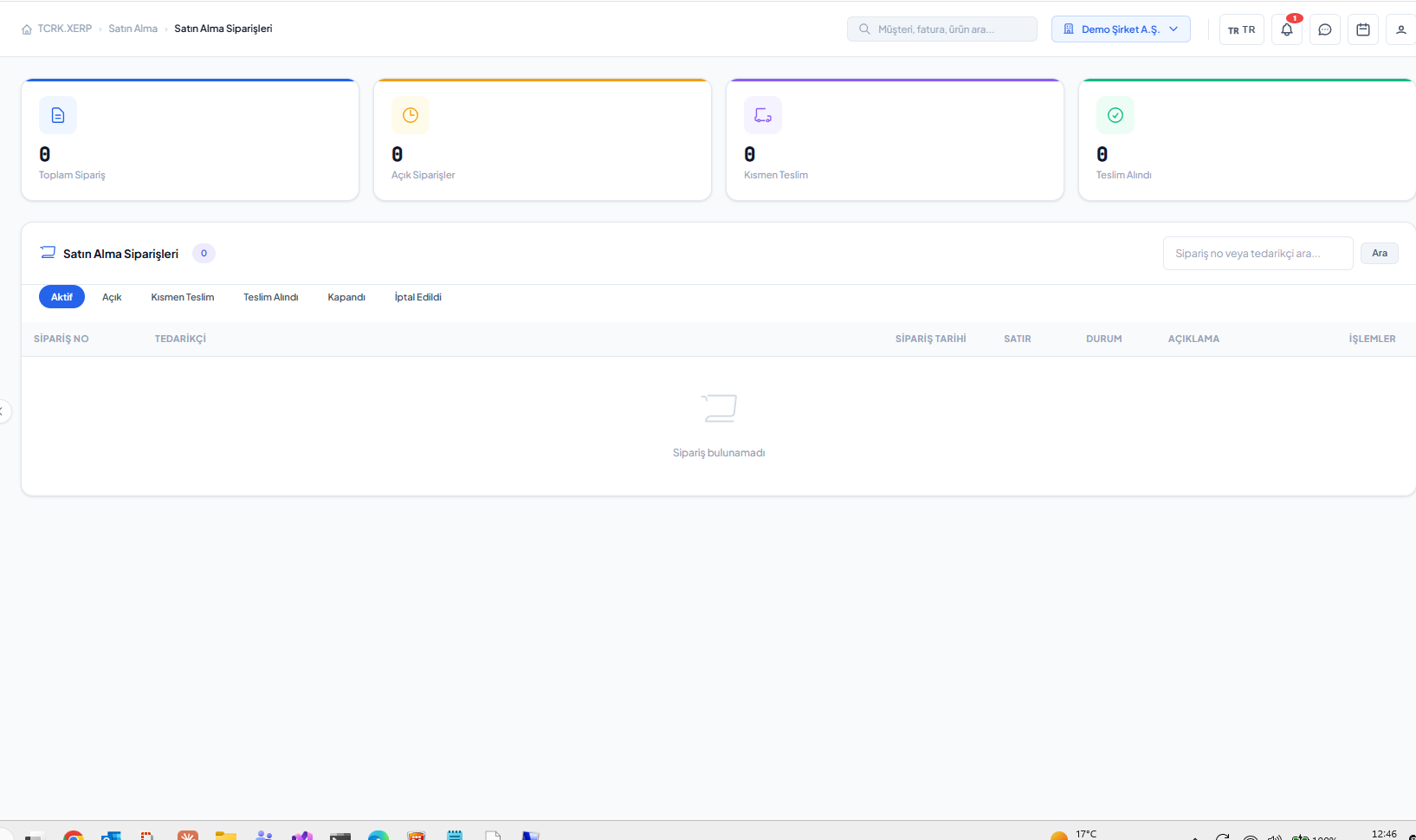
At the purchasing desk, approved lines are converted into orders grouped by supplier. Orders are listed, their details can be viewed, and they can be cancelled if needed.

  • Supplier orders from approved lines
  • Purchase order list and details
  • Supplier card and account
  • Dashboard: open orders, recent purchases, requests
Purchase order list
Screens

What's in this module?

1

My Purchase Requests

Create, prioritize and submit requests for approval.

2

Requests Pending Approval

Line-level approval and rejection.

3

Purchasing

Desk for creating orders from approved lines.

4

Purchase Orders

Order list, details and cancellation.

5

Suppliers

Supplier cards and accounts.

Place in the chain

Materials for production, on time.

Material needs of manufacturing projects and critical stock alerts are covered by purchase requests. Incoming materials are posted to stock, and purchase invoices to finance.

Follow the journey of a sample 4×6 pergola
Frequently asked questions

Common questions

Can purchase requests be partially approved?

Yes. Approval is done line by line; some lines of a request can be approved while others are rejected.

How is an order created from an approved request?

At the purchasing desk, approved lines are selected and converted into purchase orders per supplier.

Live demo

Draw your pergola. Price and bill of materials follow on their own.

In a 30-minute online demo we'll show XERP 3D and TCRK XERP working as One Chain — with your own product family.

Book a Live Demo