Module 07 · TCRK XERP

Finance

The same customer, the same account, from quote to invoice. See receivables, payables and upcoming payments in the same system as production.

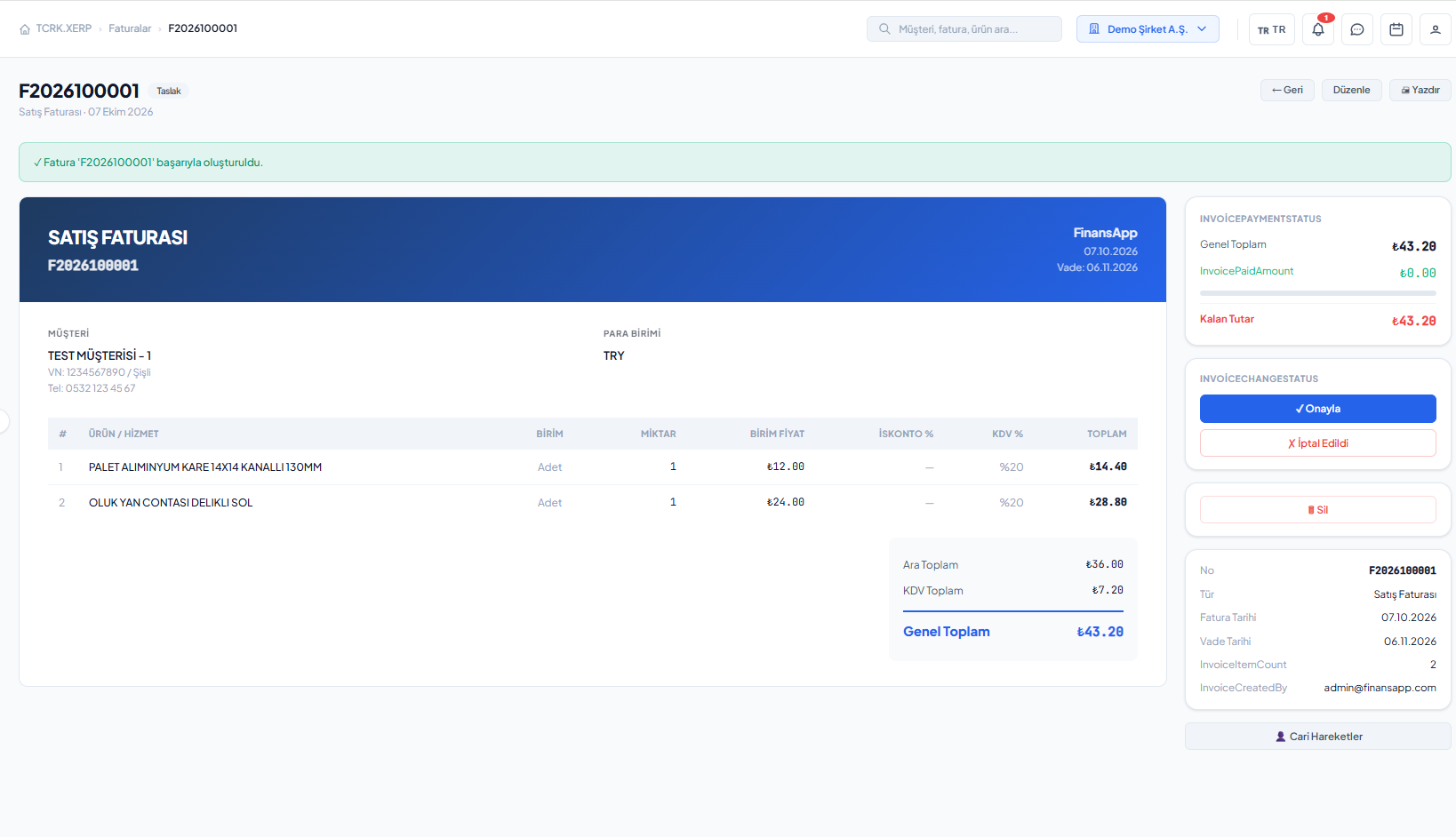
Invoice list and payment statuses

The TCRK XERP Finance module manages customer and supplier accounts, sales, purchase, return and proforma invoices, dispatch notes and collections; its finance dashboards show receivables and payables alongside production data.

Customer & supplier accounts

Customer and supplier statements, balances.

Invoices

Sales, purchase, return, proforma, dispatch note.

Collections

Per-invoice payments and partial payments.

Finance dashboards

Pending collections, unpaid purchases, upcoming payments.

Accounts and invoices

The status of every invoice at a glance.

Customer and supplier cards are kept together with their account movements and balance. Invoices are tracked with draft, approved, sent, paid, partially paid and cancelled statuses.

  • Customer and supplier cards, active/inactive status
  • Account movement entry and statements
  • Sales, purchase, sales return, purchase return, proforma and dispatch notes
  • Adding and cancelling payments, product search
Dashboards

Track cash flow on the same screen as production.

Finance widgets on the customizable dashboard show invoiced and non-invoiced movements, grand totals, pending collections, unpaid purchases and upcoming payments.

  • Invoiced / non-invoiced movement summaries
  • Pending collections and upcoming payments
  • Unpaid purchases
  • Per-user widget permissions
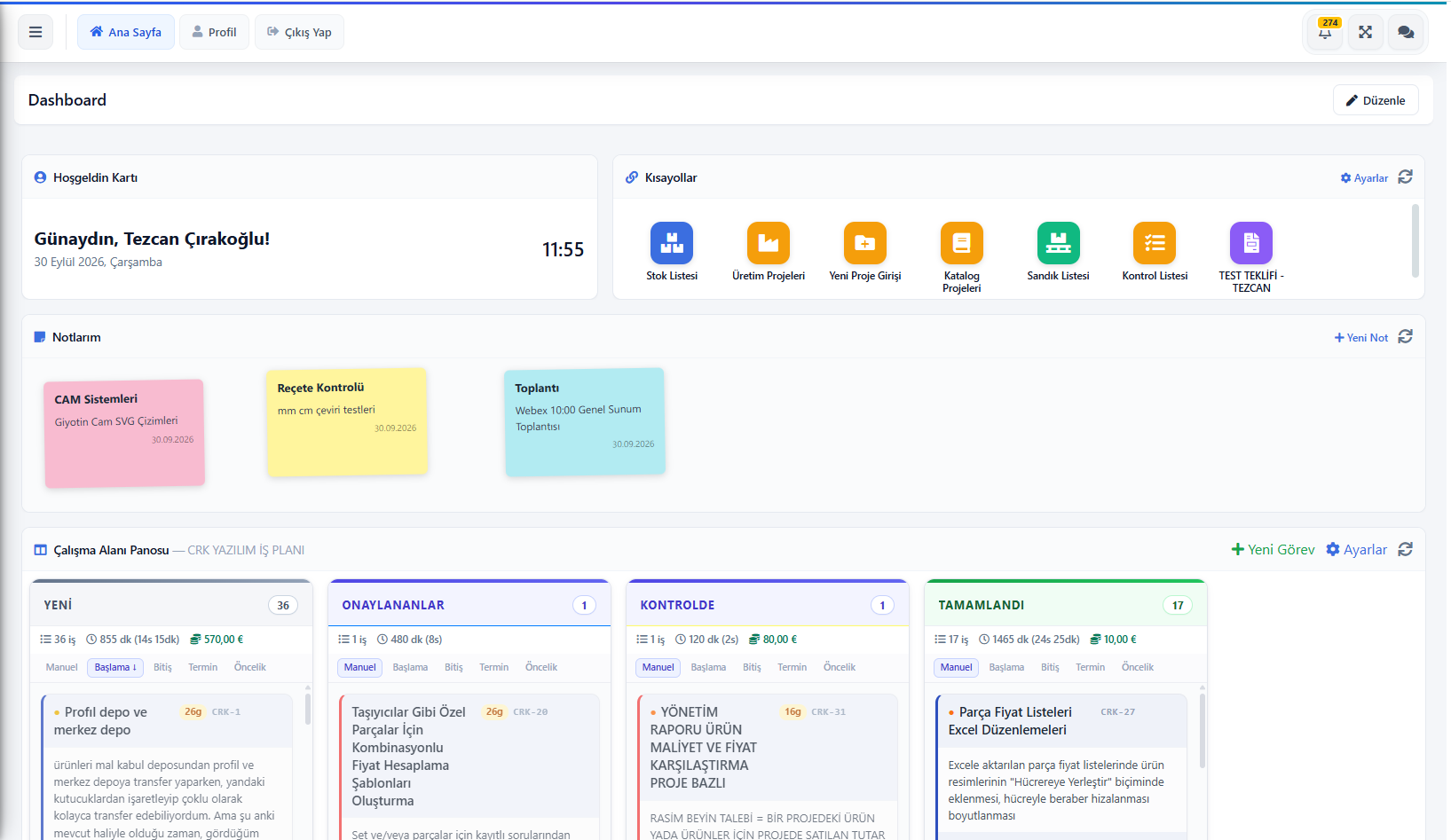
TCRK XERP dashboard: shortcuts, notes and Kanban task board
Screens

What's in this module?

1

Customers

Customer card, account statement and balance.

2

Suppliers

Supplier card and account.

3

Invoices

All invoice types, statuses and payments.

4

Dashboard

Summary view with finance widgets.

Place in the chain

The commercial record of the chain.

Approved orders, shipped projects and purchased materials become account movements and invoices in finance; the account check stage in sales uses the balance kept here.

Follow the journey of a sample 4×6 pergola
Frequently asked questions

Common questions

Which invoice types are supported?

Sales invoices, purchase invoices, sales returns, purchase returns, proforma invoices and dispatch notes are supported.

Can partial payments be recorded?

Yes. Multiple payments can be added to an invoice; the invoice status is updated to partially paid or paid.

Live demo

Draw your pergola. Price and bill of materials follow on their own.

In a 30-minute online demo we'll show XERP 3D and TCRK XERP working as One Chain — with your own product family.

Book a Live Demo