Sales management
A quote is not just a price; it is the technical record production will inherit.
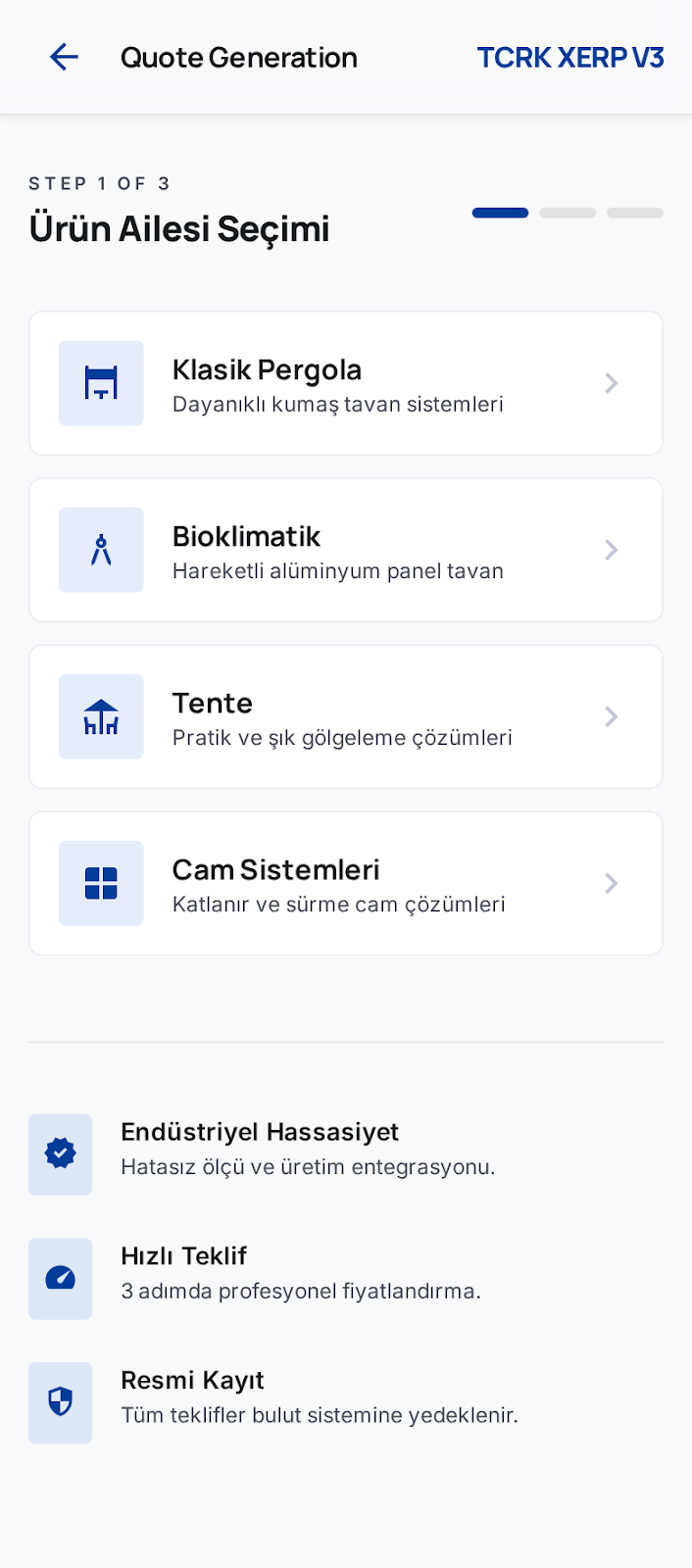
The quick quote wizard starts with product family, brand, series and product selection. Measurements and production questions become the foundation for pricing and manufacturing records.
Sales configures a complex pergola product step by step.
In the live application, product families include bioclimatic, glass, curtain, pergola and awning. That choice leads to brand, series, product and product questions.
- Family, brand and series hierarchy comes from the stock catalog.
- Product questions collect measurements, options and calculated values.
- Price catalogs and tier lookup feed the quote price.
- Quote PDFs, file attachments and approval history stay traceable.
An approved quote leads to an order and a manufacturing project.
The system keeps sales-side technical choices as records later stages can read.
Sales screens worth explaining
The inner pages separate the work that affects a buyer's decision.
Quick Quote
Three-step product selection, questions and preview.
Quote List
Track sales by status, date, customer, amount and stage.
Pending Approvals
Price, discount, delivery and ledger checks by authorized users.
Quote Templates
Template-based output for PDFs and documents.
Orders
Approved quotes move into the operational list.
Customers
Customer records connected to quotes, invoices and ledger entries.